


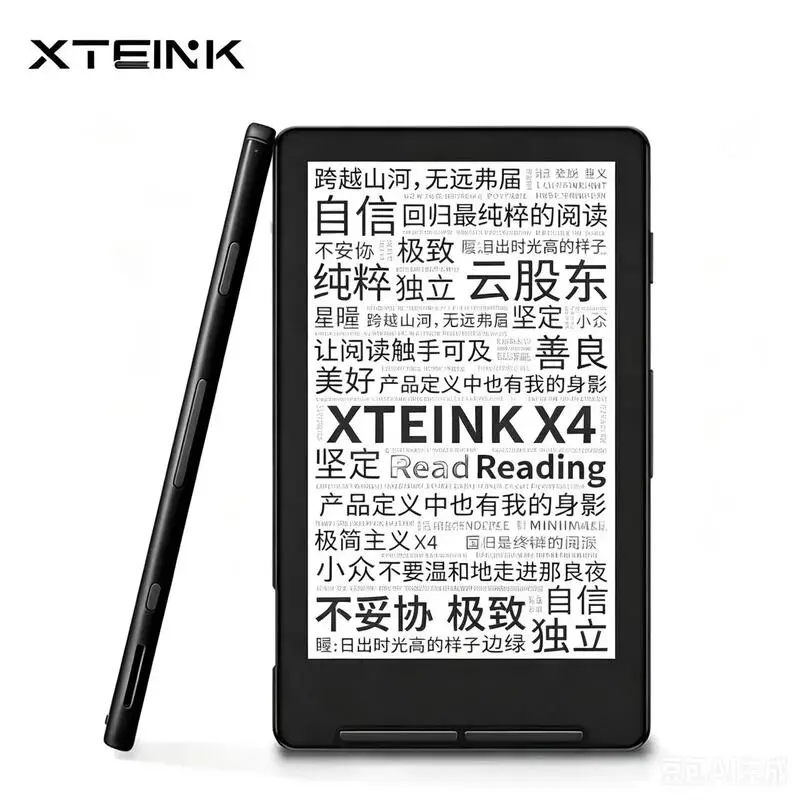
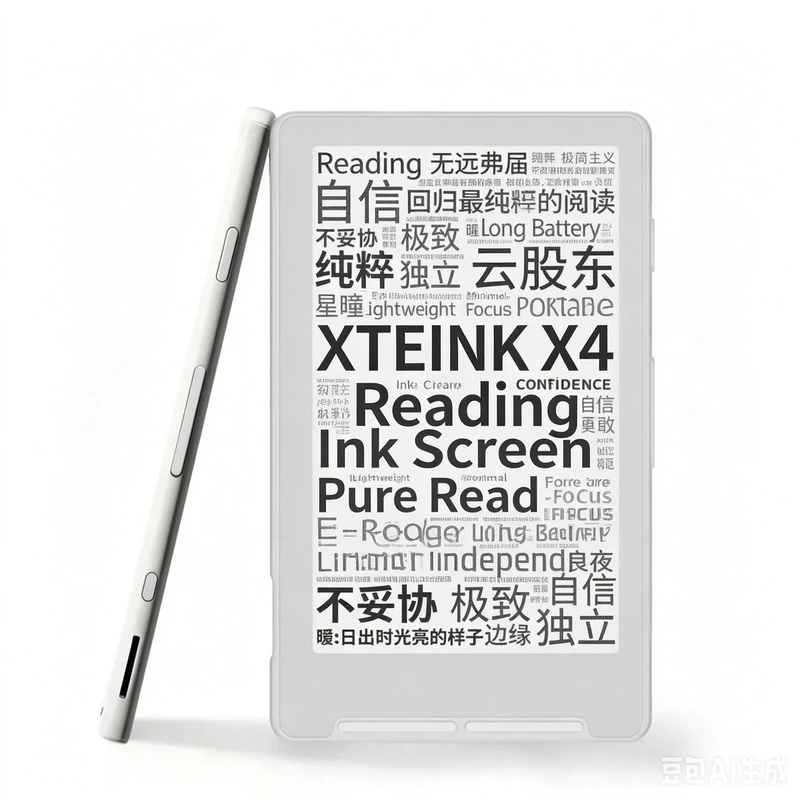
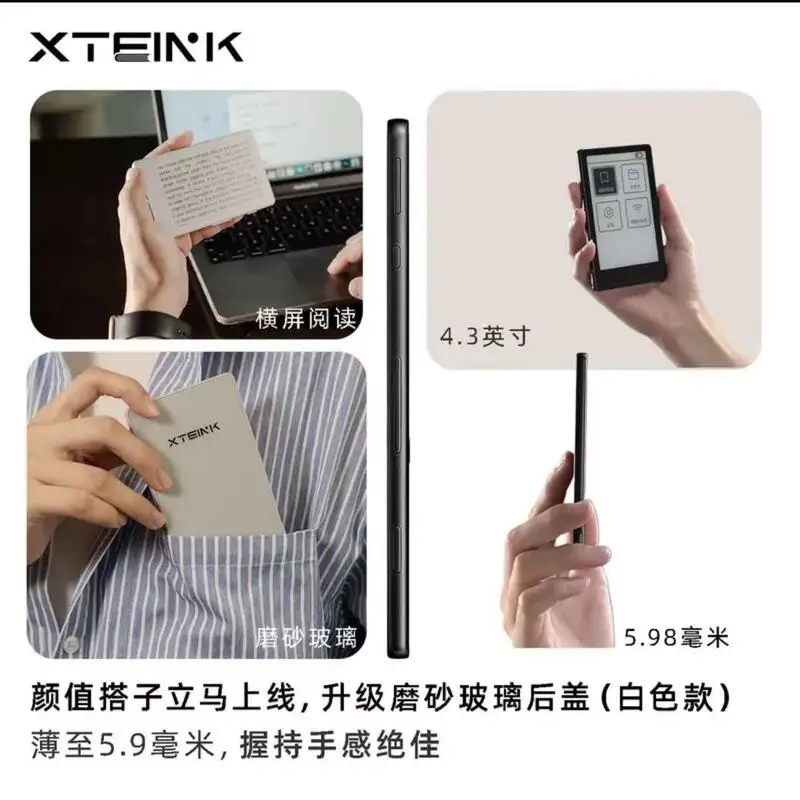

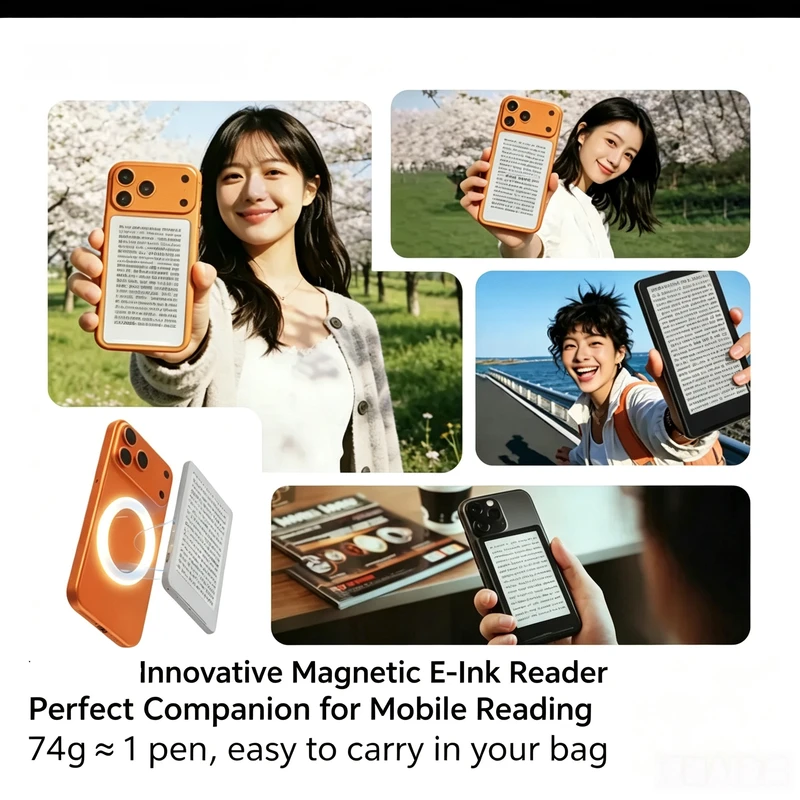
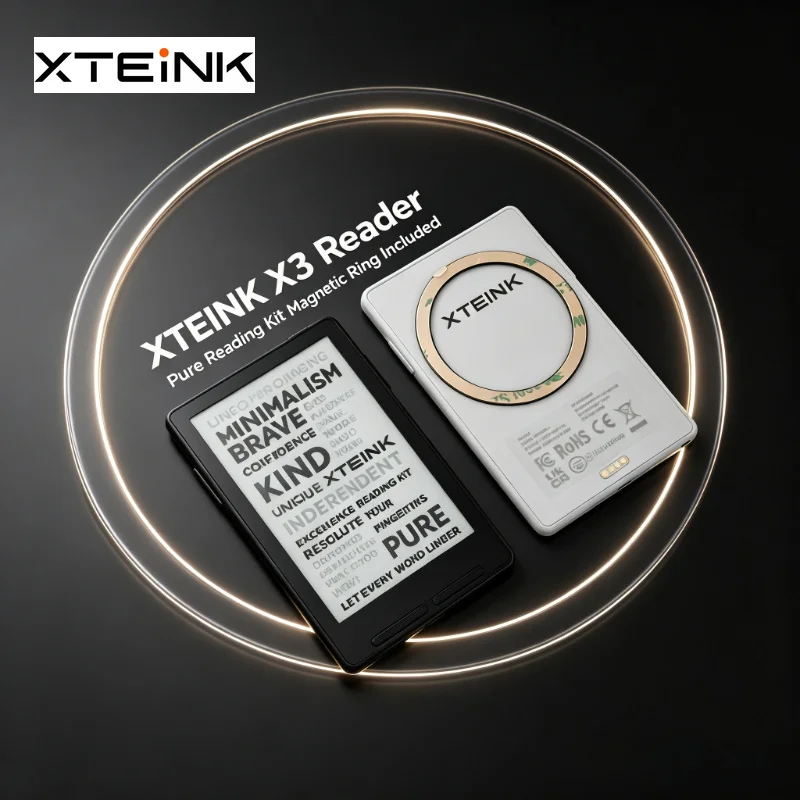
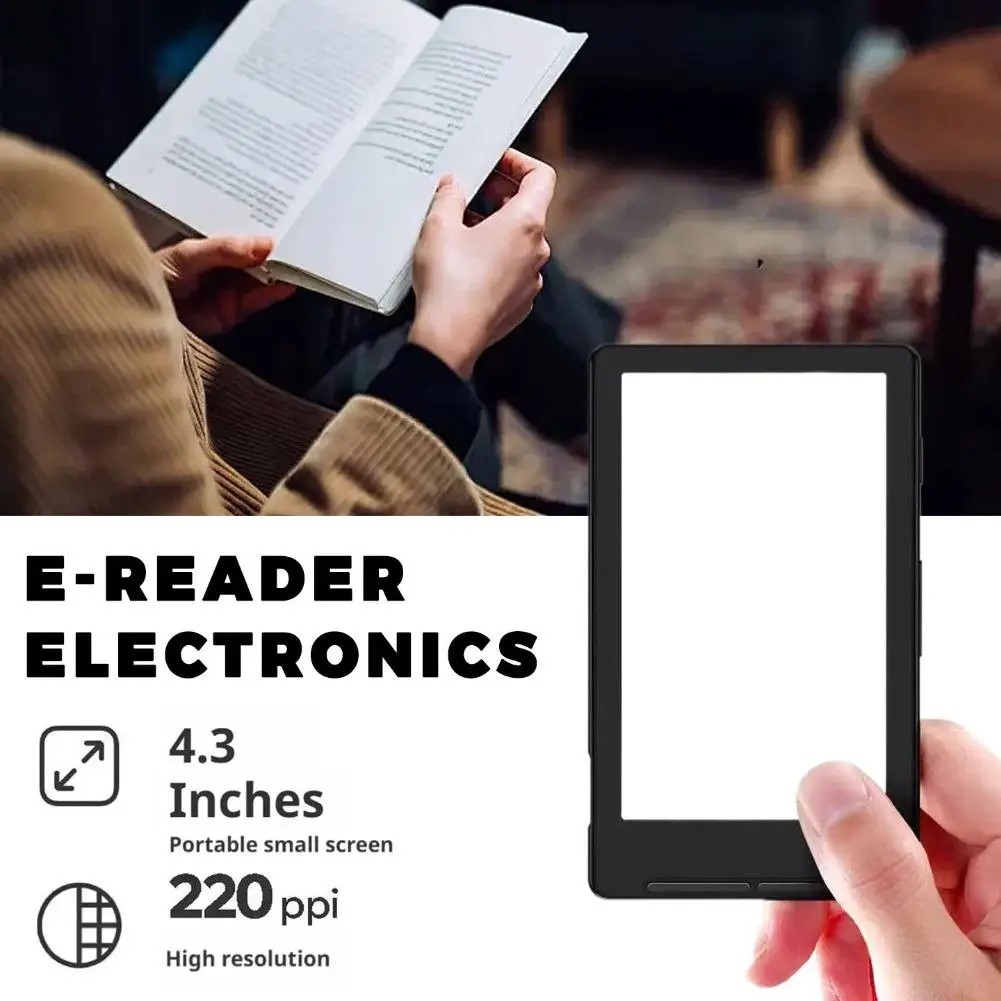
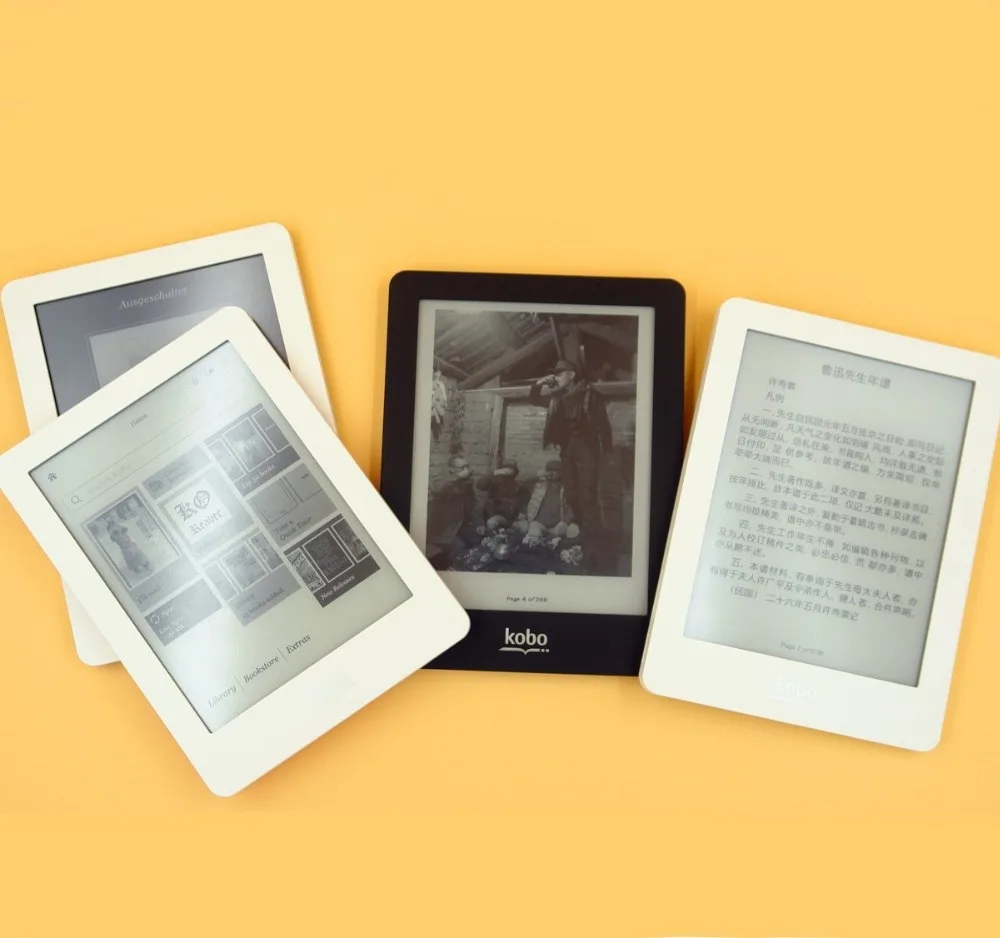
NEW XTEINK X3/X4 E-Book Reader 3.7/4.3INCH Ink Screen Magnetic Lightweight And Thin Electronic Paper Ink E-Book 16GB
1. Product Overview
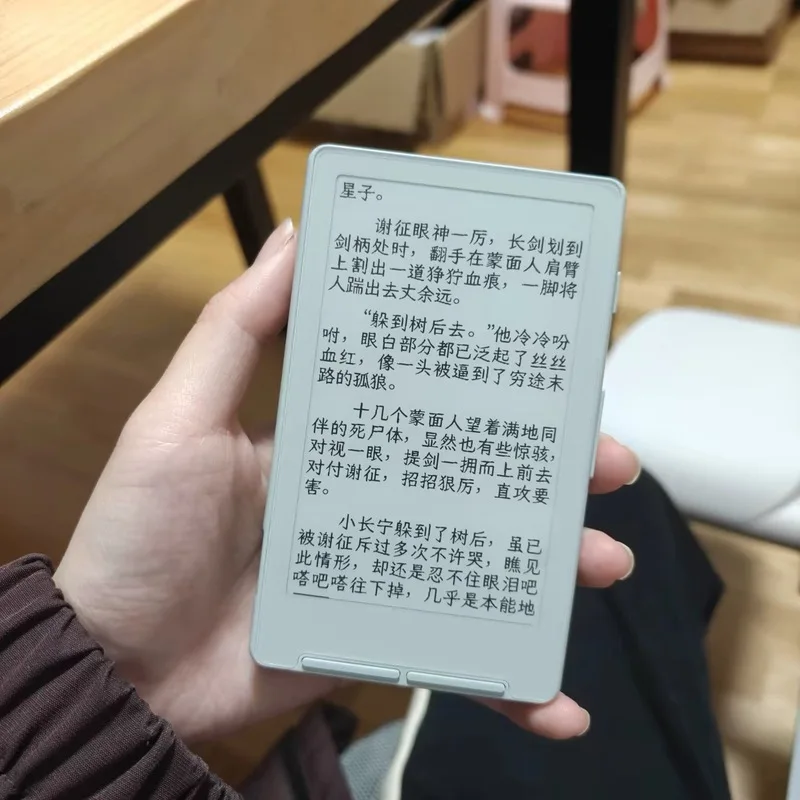
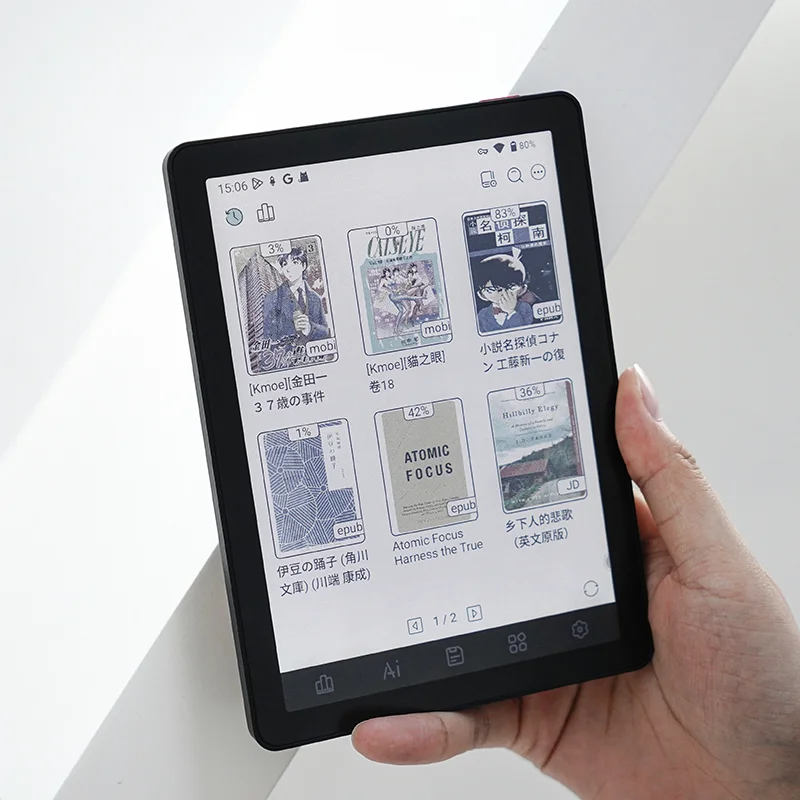
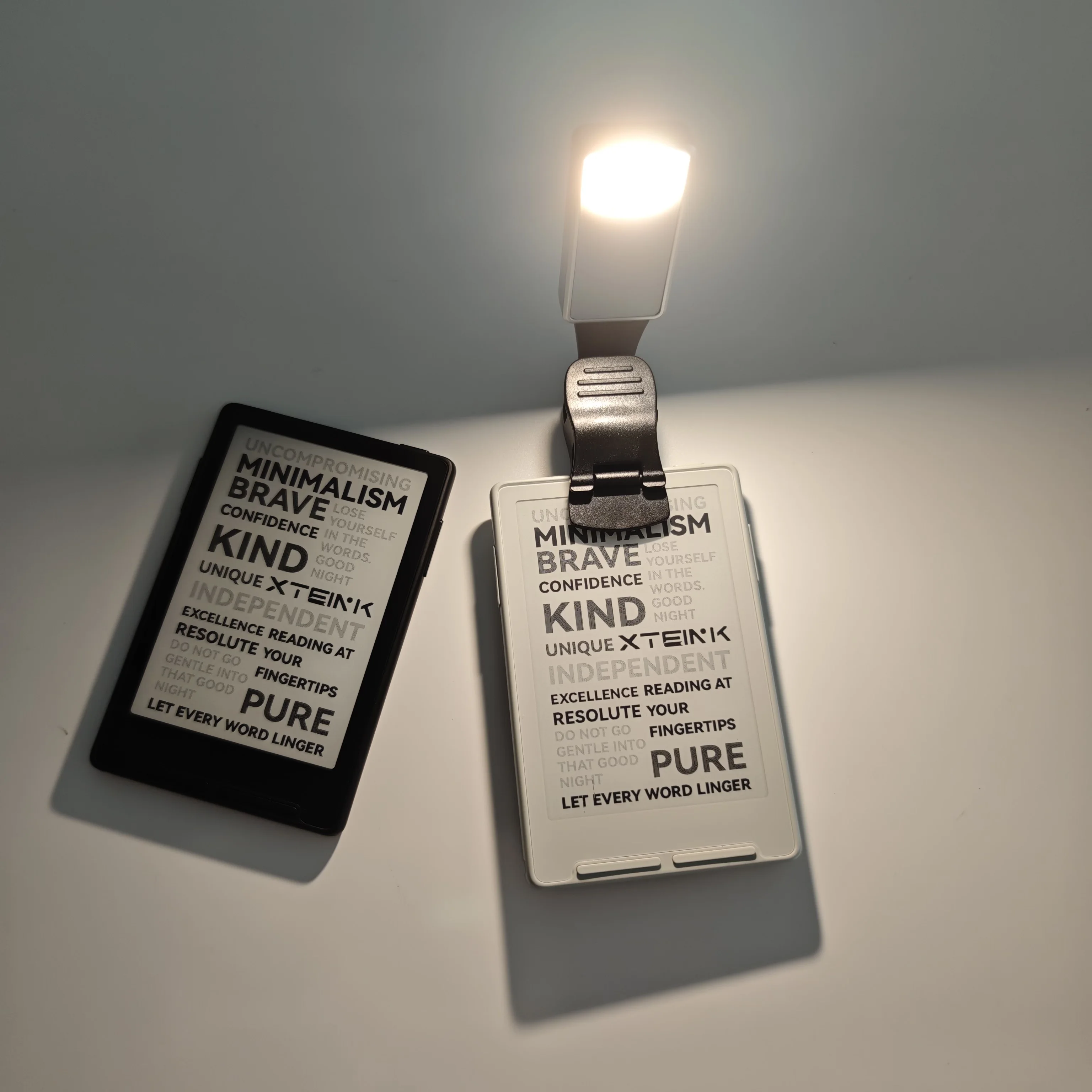
The X4 E-Reader adopts high-definition electronic ink screen technology with low blue light and anti-glare features to protect eyesight effectively. It supports mainstream ebook formats, local document browsing and audio playback. With ultra-light body and long-lasting battery life, it perfectly fits scenarios such as daily reading, studying and commuting.
2. Core Specifications
• Display: High definition ink screen, anti-reflection and eye-friendly
• Operating System: Lightweight customized reading system
• Supported Formats: EPUB, PDF, TXT, MOBI, FB2 and other common document formats
• Battery: Large capacity lithium battery; standby time up to 30 days
• Storage: Built-in storage for storing massive e-books and files
• Interface: USB Type-C for charging and data transmission
3. Buttons and Interface Introduction
1. Power Button: Short press to wake up or lock the screen; long press for 3 seconds to power on or power off the device.
2. Type-C Port: Used for charging the device and connecting to computers to transfer e-books and documents.
3. Physical Page Turning Keys (Optional): For quick page-up and page-down operations.
4. First Boot and Basic Operations
1. Press and hold the power button for 3 seconds to start the device.
2. Complete language selection, time and other basic settings following the on-screen guide.
3. Enter the main library page where pre-installed sample books can be viewed directly.
4. Tap book covers to enter the reading page; slide left or right on the screen to turn pages.
5. File Transfer Instructions
1. Keep the device powered on and connect it to a computer with a Type-C data cable.
2. A removable disk will pop up on your computer system.
3. Copy your ebook files into the folder named Books inside the removable disk.
4. Safely eject the hardware device and disconnect the cable. Refresh the library on your X4 e-reader to load newly added books.
6. Reading Setting Functions
• Font: Adjust font size and font type freely
• Brightness: Modify screen brightness for day and night environments
• Line Spacing & Margin: Customize paragraph spacing and page margins for better reading experience
• Night Mode: Reverse screen color to reduce eye strain in dark surroundings
7. Charging and Battery Instructions
• Use standard 5V chargers and original Type-C cables for charging.
• Full charging duration is approximately 2.5 hours.
• A fully charged device supports continuous reading for 15 to 25 hours.
• The device will enter automatic sleep mode when the battery is extremely low to protect battery lifespan.
8. Troubleshooting for Common Issues
Unable to boot the device
Plug the charger in for 30 minutes to reactivate the over-discharged battery, then long press the power button again to attempt startup.
Newly imported books do not show in library
Confirm files are placed inside the Books folder, refresh the library page, and check whether the file format is supported by the system.
Screen residual ghosting
Slight ghosting is a normal physical feature of electronic ink screens. Run full screen refresh function in system settings to eliminate residual shadows.
9. Safety Precautions
1. Do not disassemble, squeeze the device, or expose it to high temperature, heavy humidity or rain.
2. Only use standard low-voltage chargers; avoid long-term charging with high-power fast charging adapters.
3. Keep the ink screen away from sharp objects to prevent scratches and screen cracks.
4. Stop using the device immediately if abnormal heating or liquid leakage occurs.
10. After-sales Service
If non-human-caused quality defects occur within the warranty period, please contact your original seller for professional after-sales support.
Related products




Frequently Bought Together
No frequently bought products found!
Products from this Seller
View All










Share with Friends
Trading is more effective when you share products with friends!Share you link
Share to