


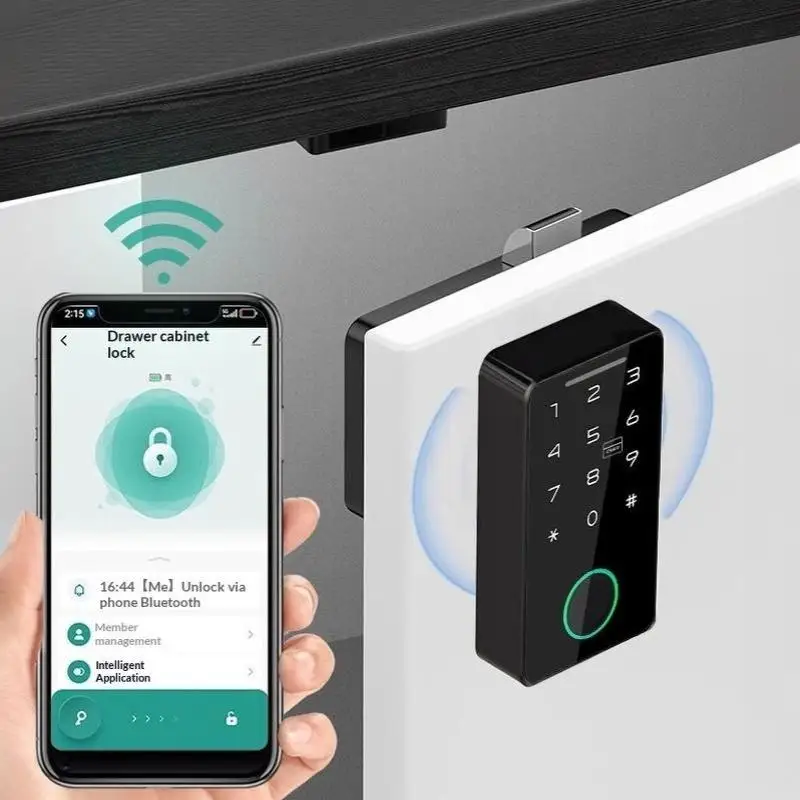
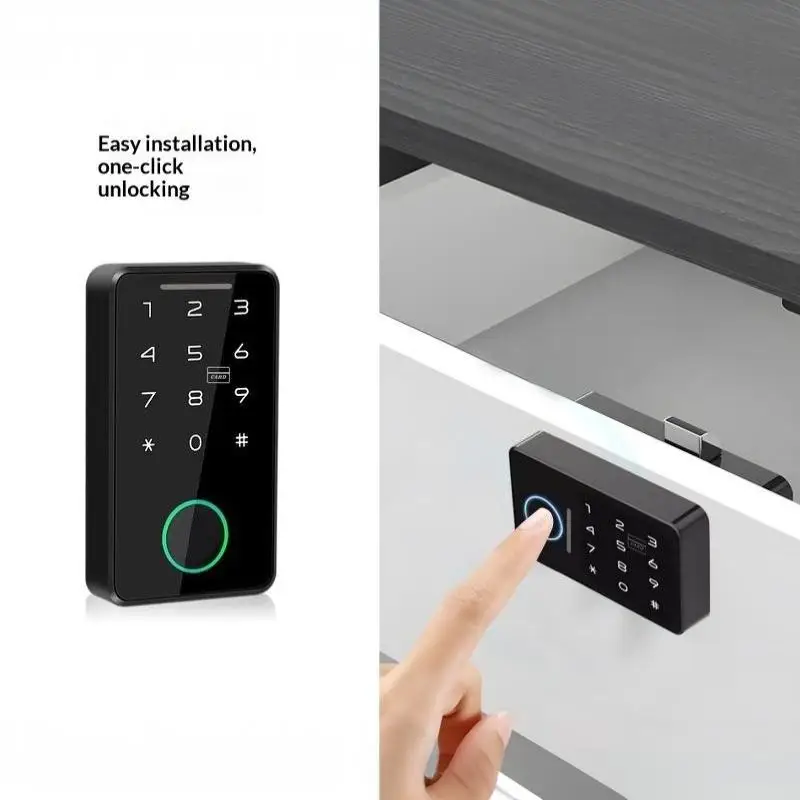
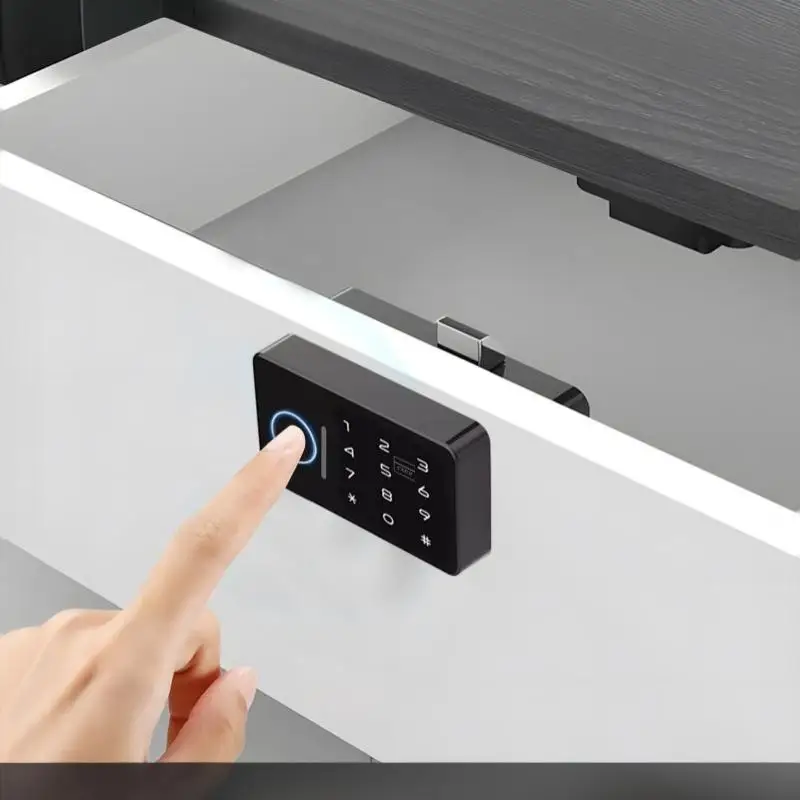

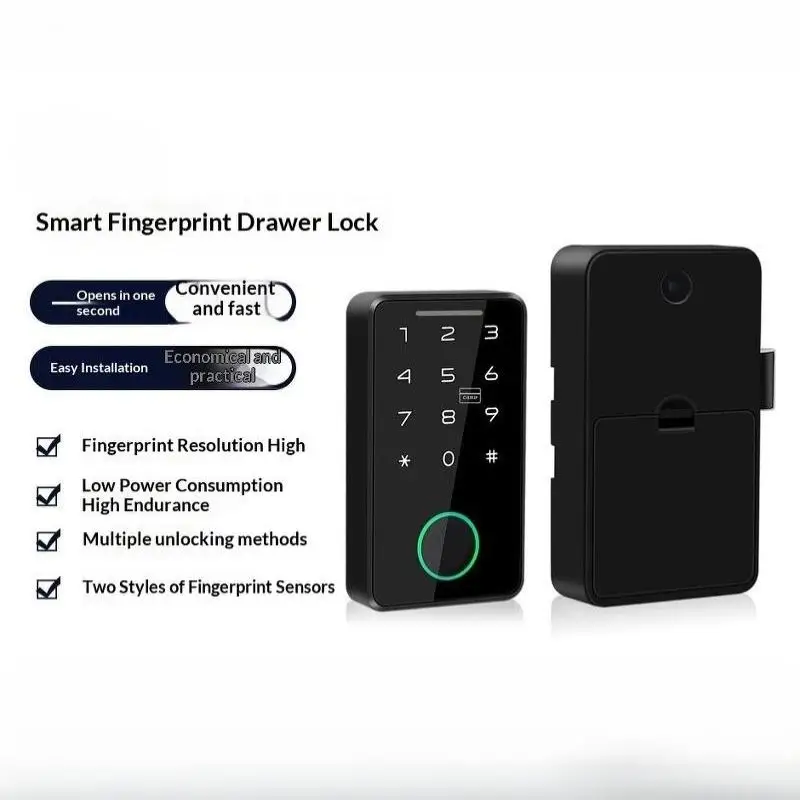
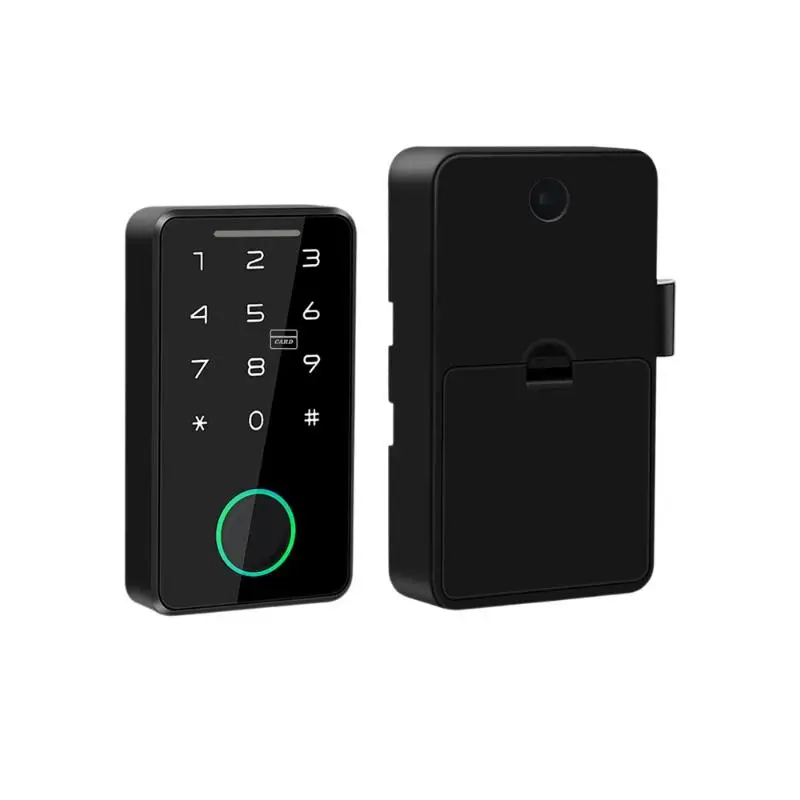
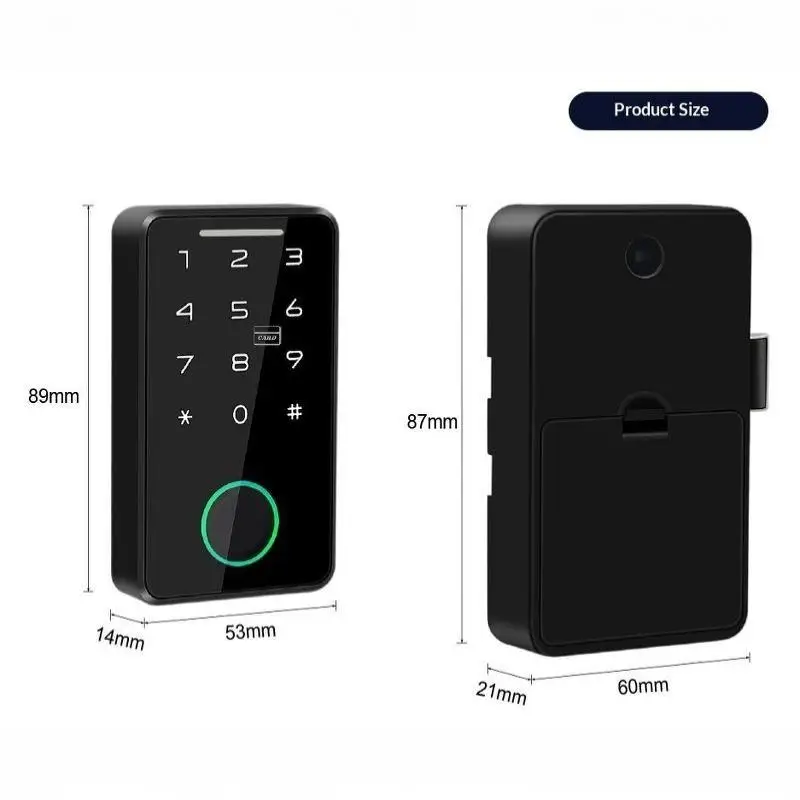
Tuya Smart Electric Fingerprint Drawer Lock Invisible RFID IC Card Recognition Keyless Lock for Private Home Storage Cabinet
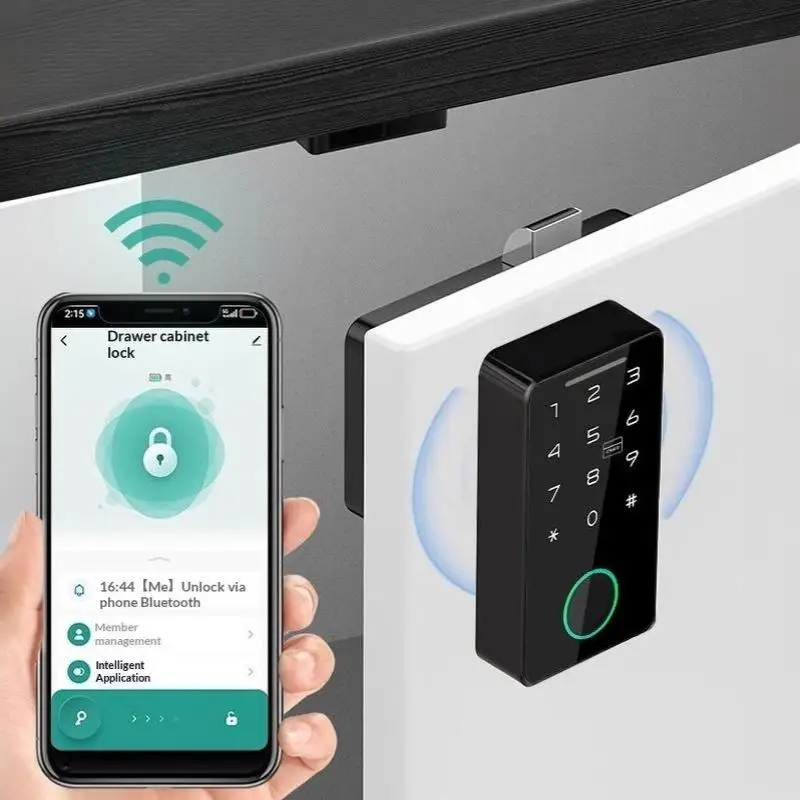
Manage your lock effortlessly through the TUYA app.When used with a gateway, remote access is possible.
1.Add the lock
Search the lock in Tuya APP and press "Add" button, wait until it's added successfully.
2.Unlock the lock:Press the unlock button below and slide it to the right side to unlock it.
3.Add fingerprint:Add user first,and then add fingerprint. You need to press the same finger several times for registration according to the message.
Parameters
Power:1.5V AAA battery x3
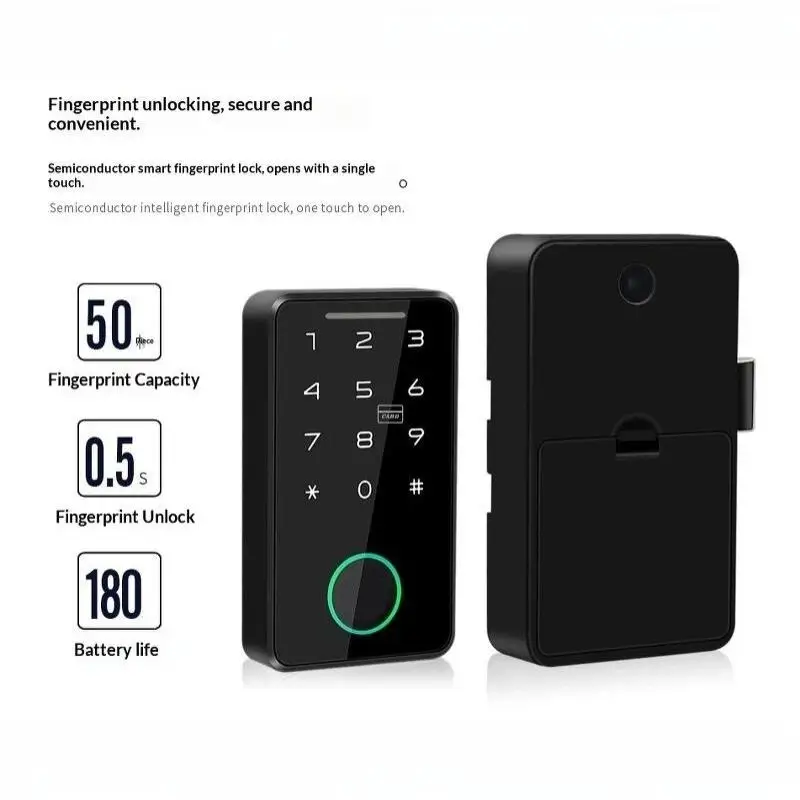
Fingerprint:20
Pressing times:10
Emergency power:USB TYPE-C
App: Tuya Bluetooth
Battery life:>3000 times use
Suitable for Various Environments
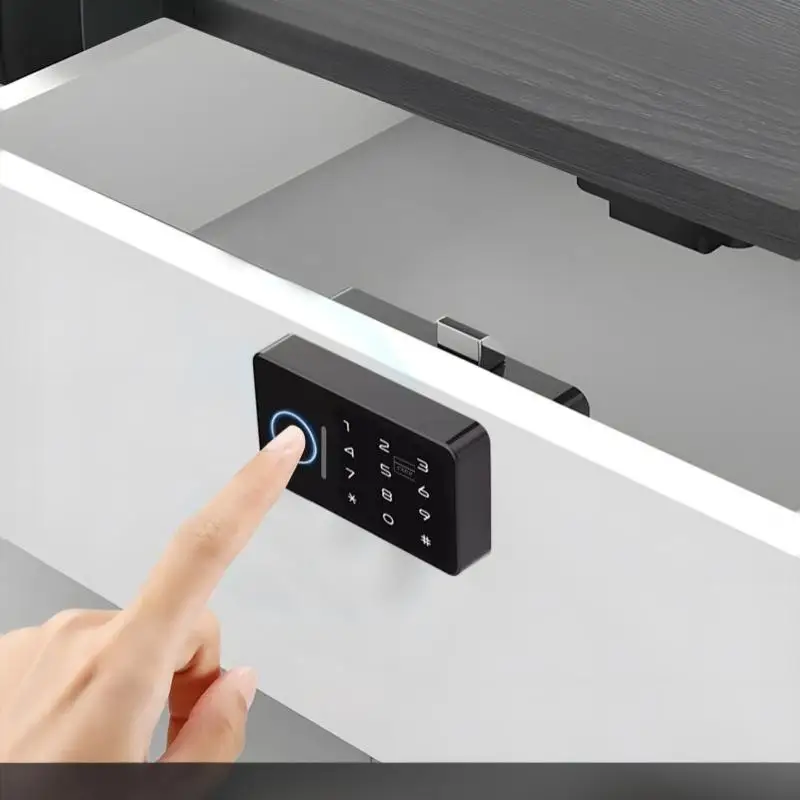
Ideal for wardrobes, drawers, and offices, this lock adapts to various environments with ease.
Hidden Design
The invisible design blends seamlessly with your furniture, ensuring a clean and modern look.
Drill-Free Installation
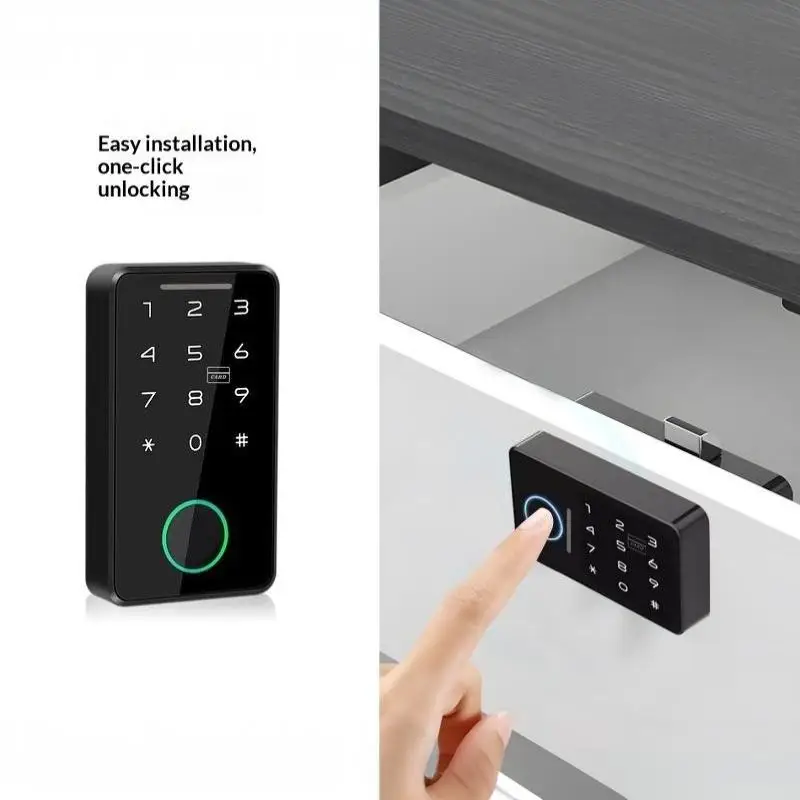
Enjoy a seamless setup with our drill-free installation, saving you time and effort.
Brief guide
At factory mode,any fingerprint can unlock it.After you connect the APP without registering any fingerprint, you can only unlock it by the APP.After you register your fingerprints,you can unlock it by APP and the registered fingerprints.
Fingerprint verification OK: Green LED blinks once.
Fingerprint verification failed: Red LED blinks once.
After successful verification,ifthe green LED blinks once and the red LED blinks 3 times, you need to change the battery.
Reset thelock
You may press the reset button with a pin through the pin hole for 8 seconds.Or after APP connection you may delete the lock from the APP.
APP connection
At factory mode, press the fingerprint sensor for more than 3 seconds until the light turns on.Now the lock is ready for APP connection.
Frequently Bought Together
No frequently bought products found!
Products from this Seller
View All











Share with Friends
Trading is more effective when you share products with friends!Share you link
Share to