


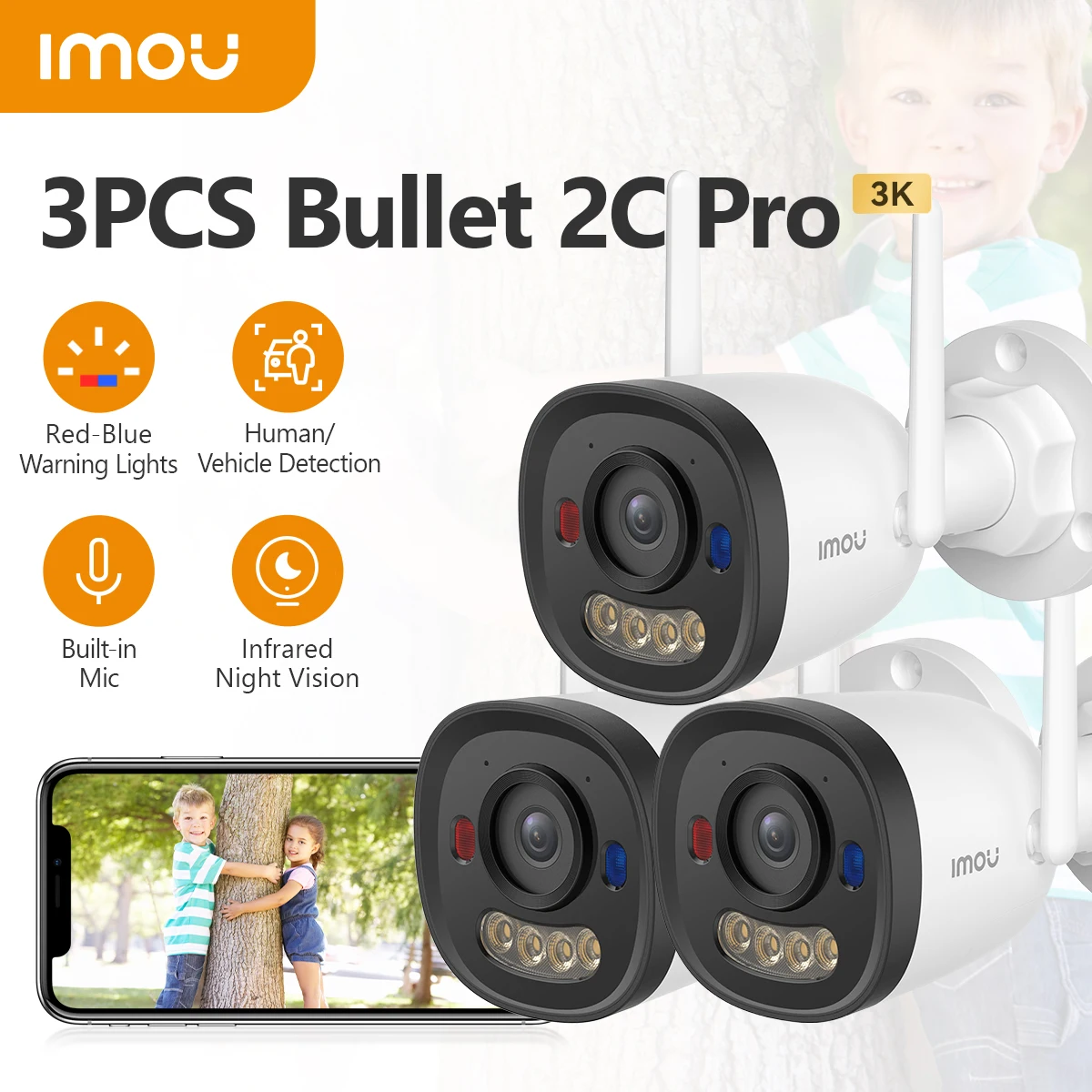



IMOU 3PCS Bullet 2C Pro 5MP Wifi Camera Weatherproof AI Human Detection Outdoor Surveillance IP Camera Wholesale
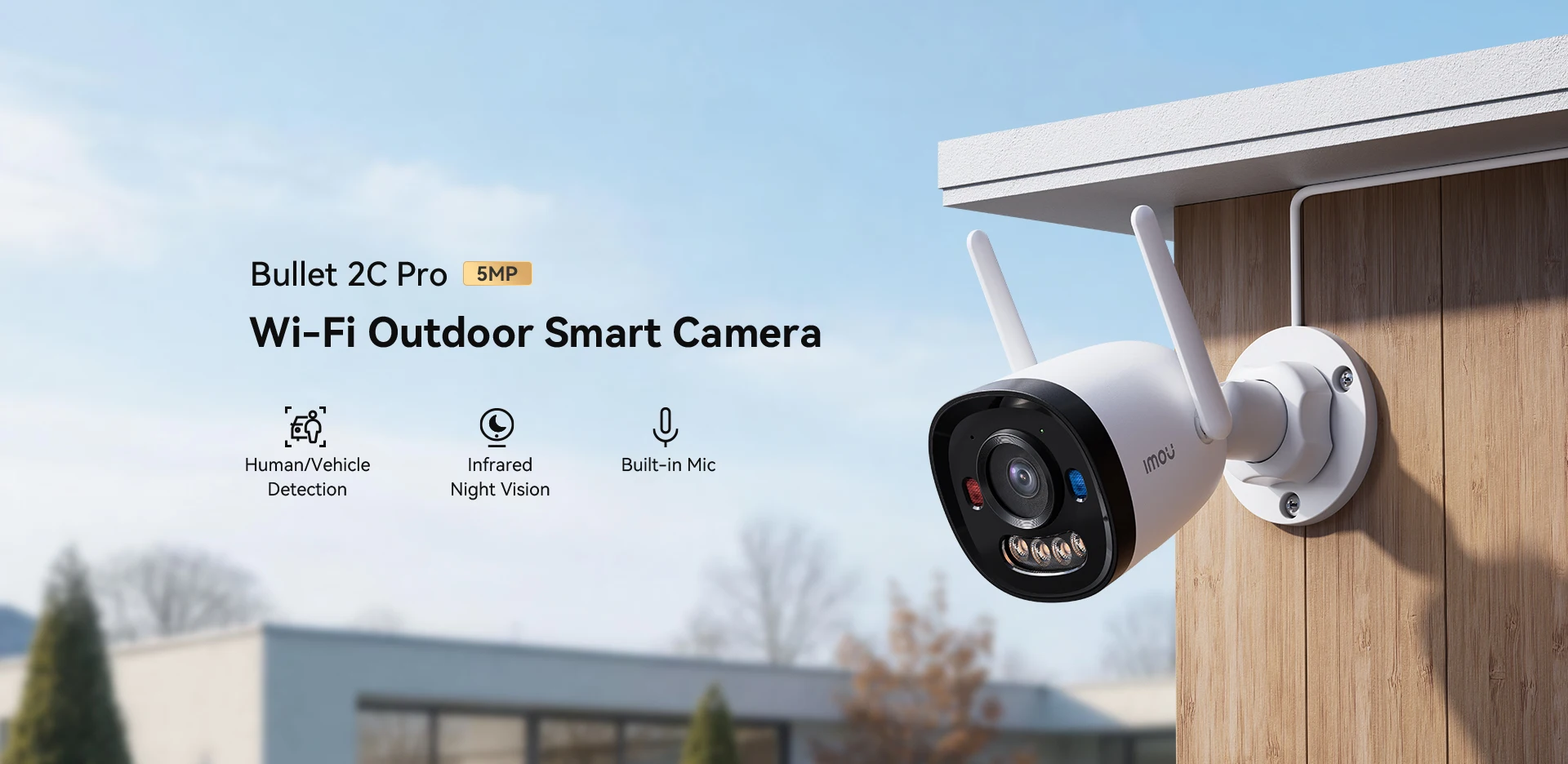
Bullet 2C Pro 5MP
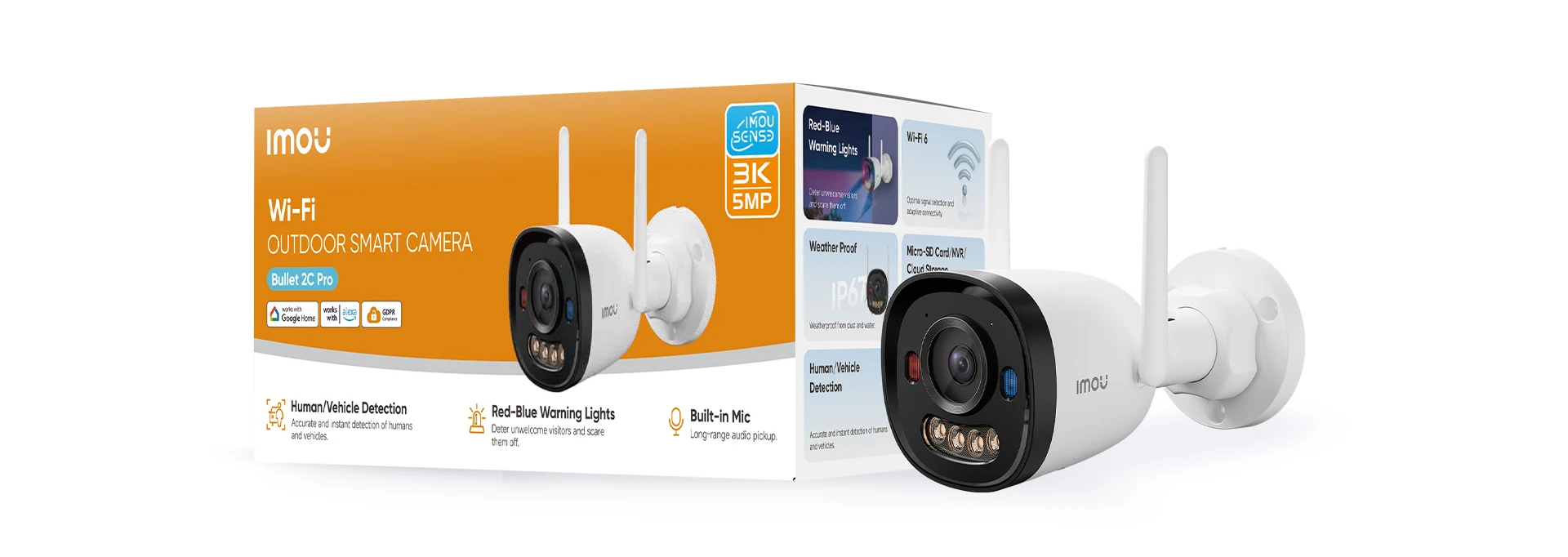
Wi-Fi Outdoor Smart Camera
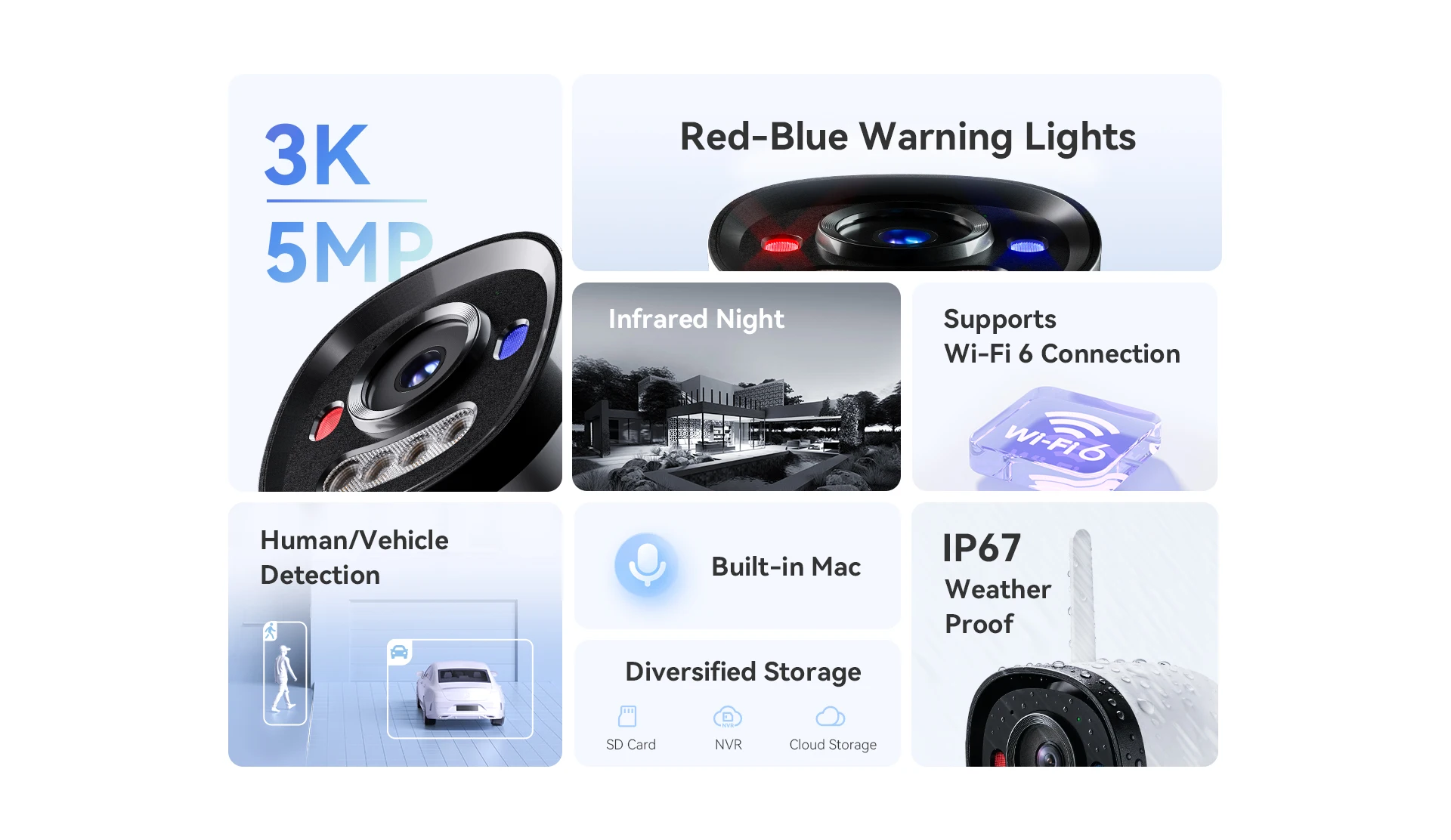
Human/Vehicle Detection/Built-in Mic/Night Vision
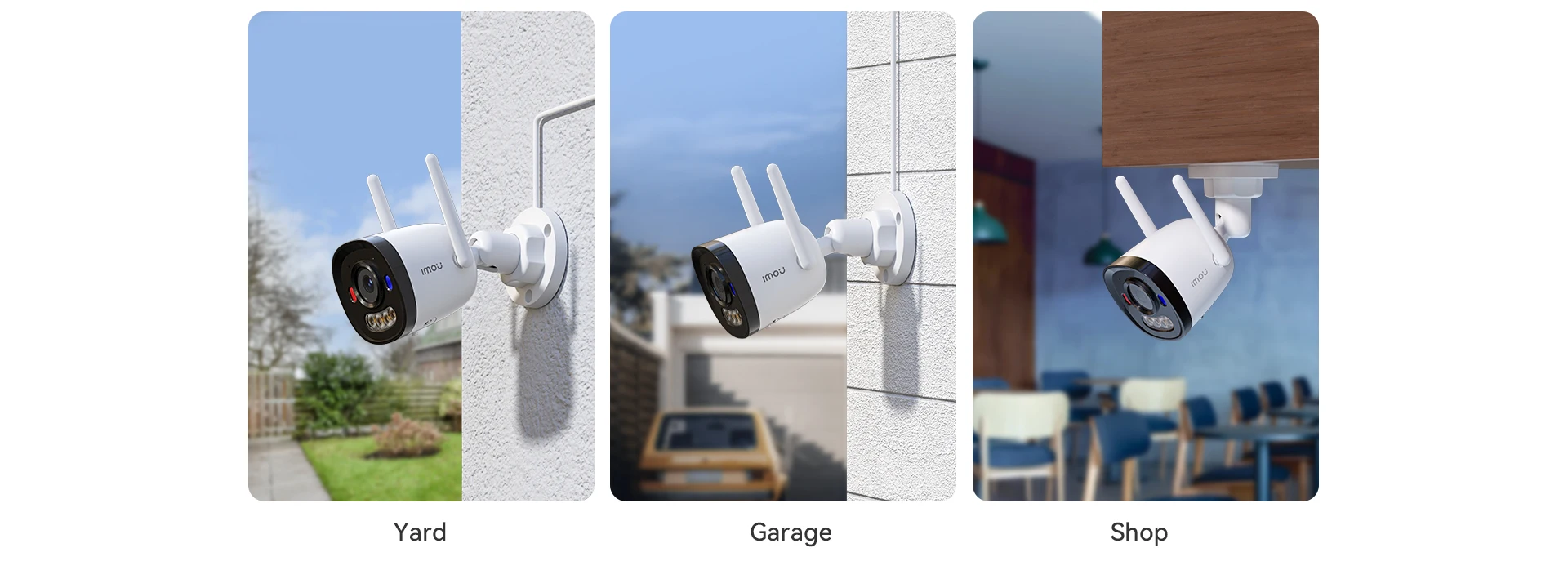
Suitable for a variety of occasions
5MP HD Clarity
Elminate blurr footage across vast areas with 5MP resolution for outdoor security

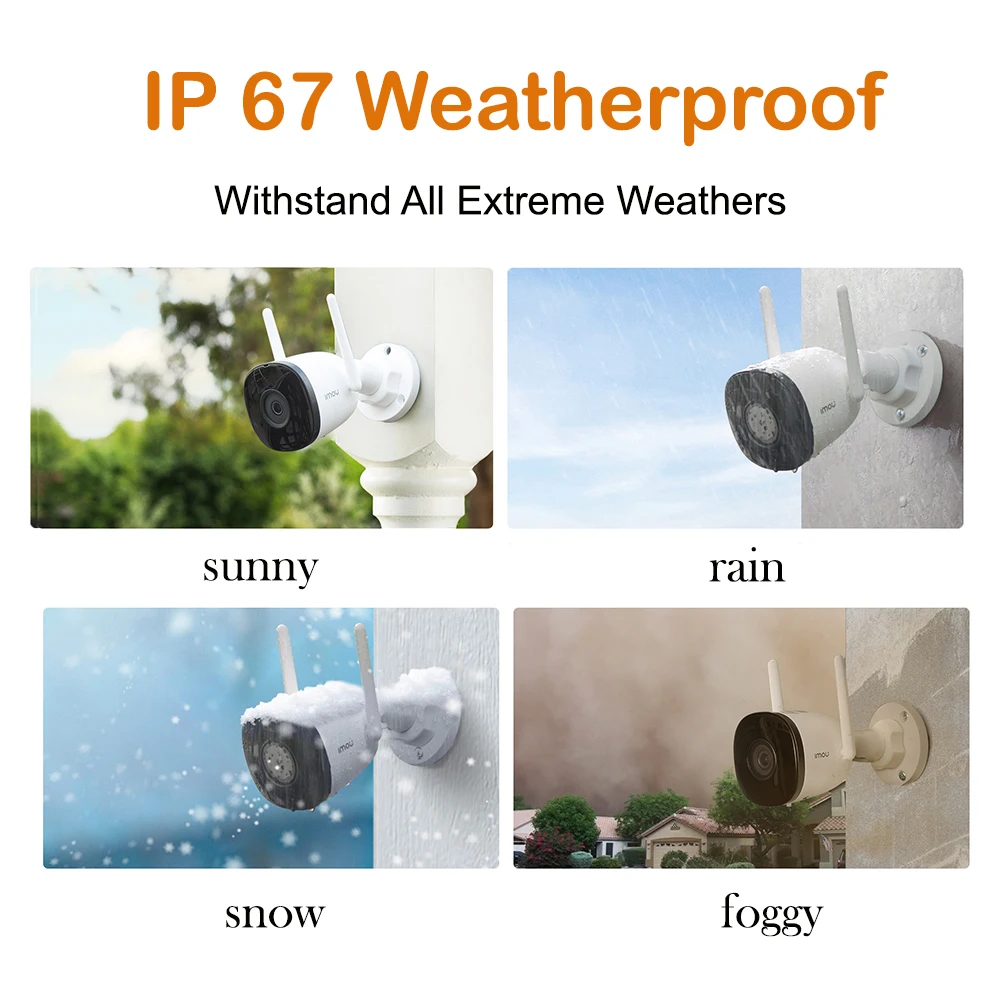
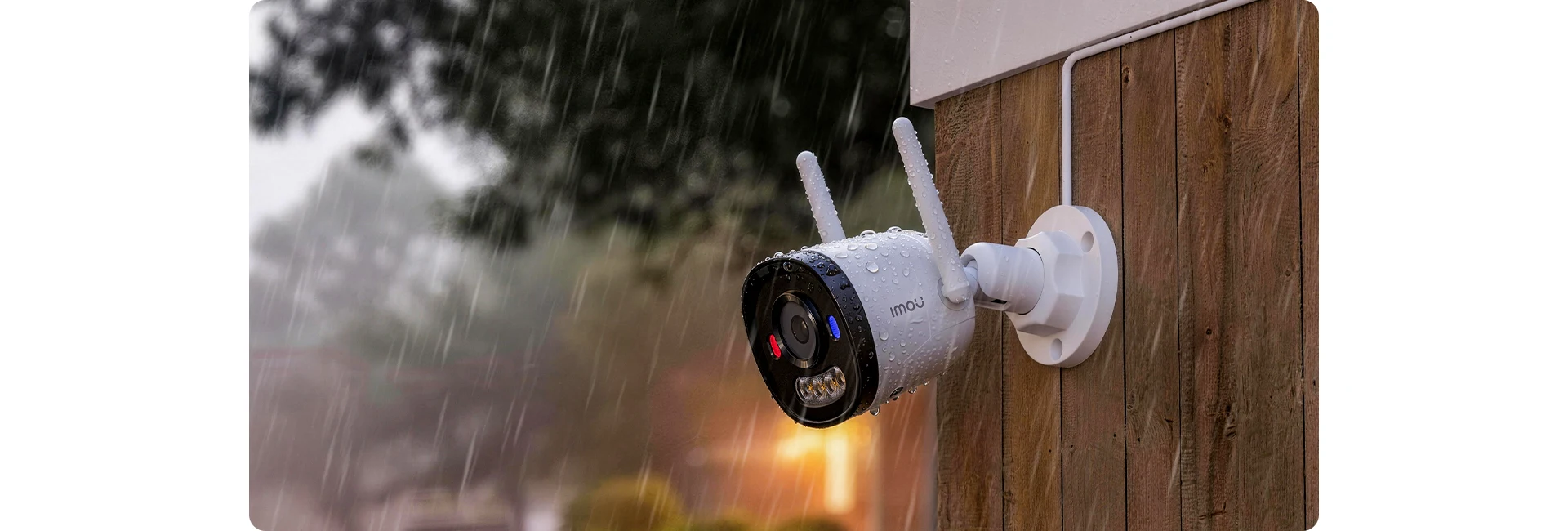
Professional protection to weather any storm
Light the night up with smartness
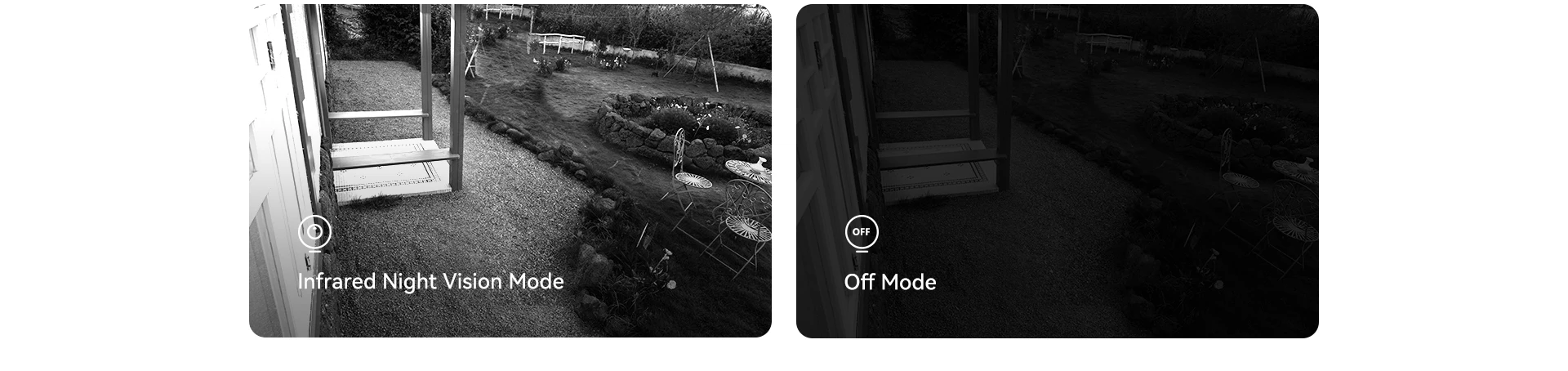
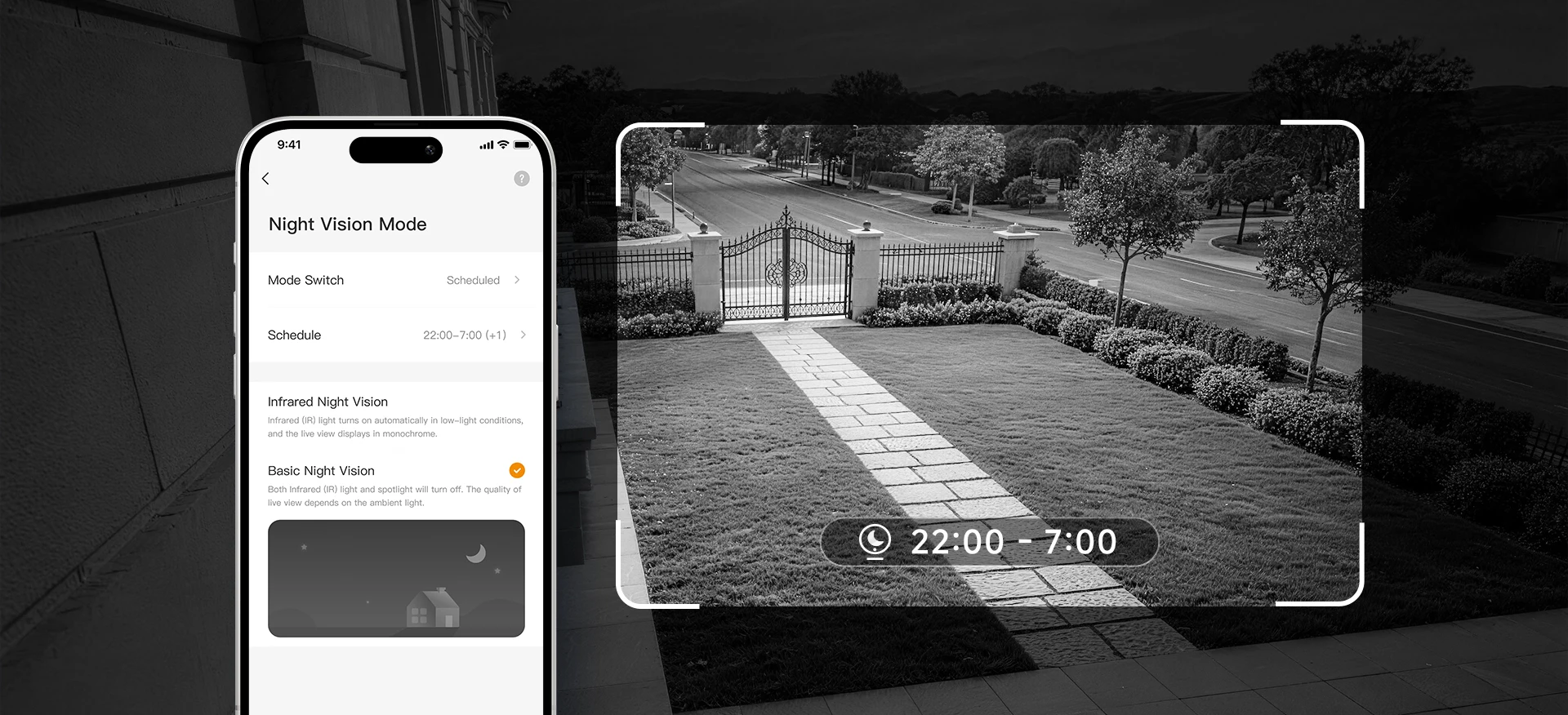
Want to Set Your Own Time? You Can.
You can schedule your night vision mode to activate automatically at your chosen time whether
at dusk after bedtime or any time you want enhanced clarity. Your home, your rules.
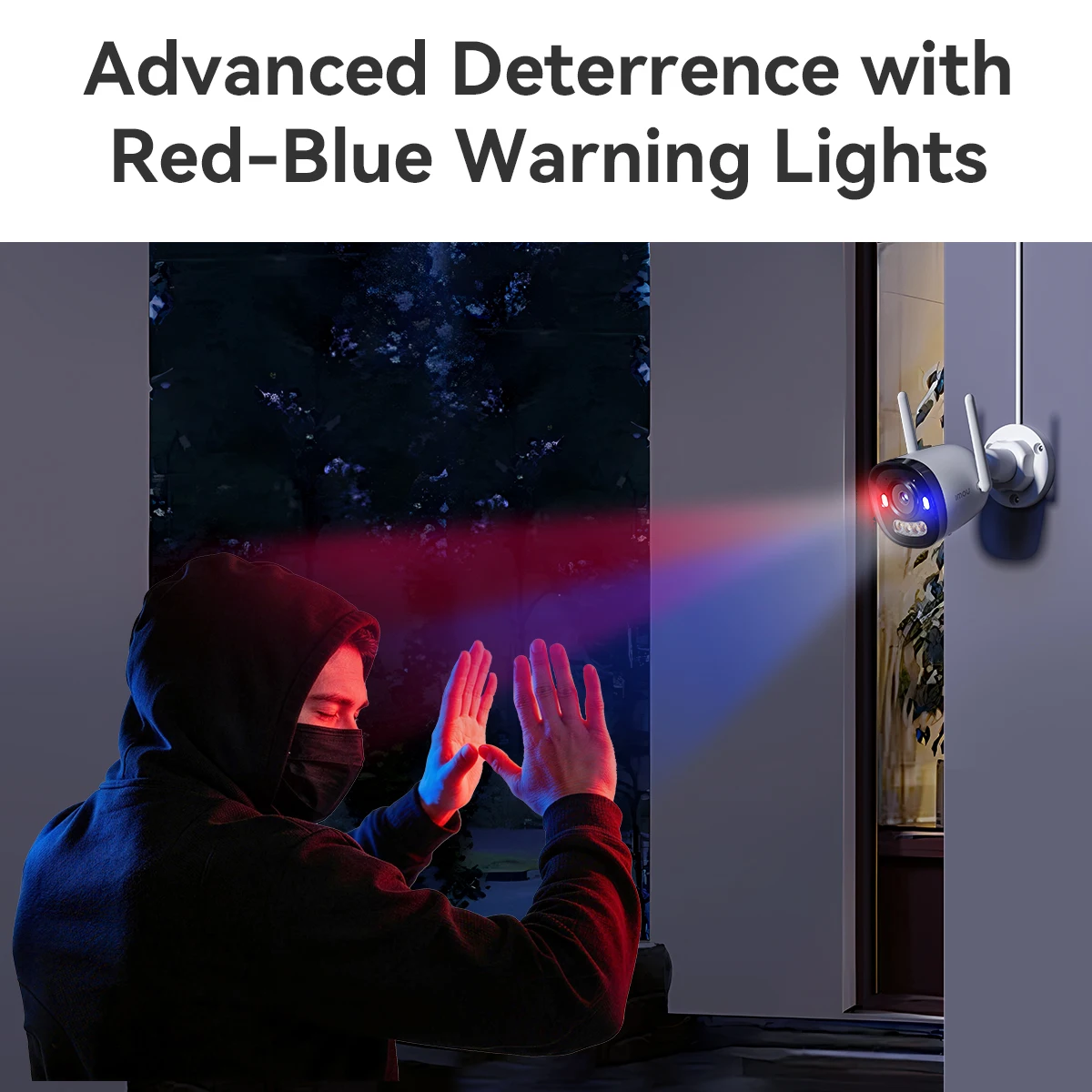
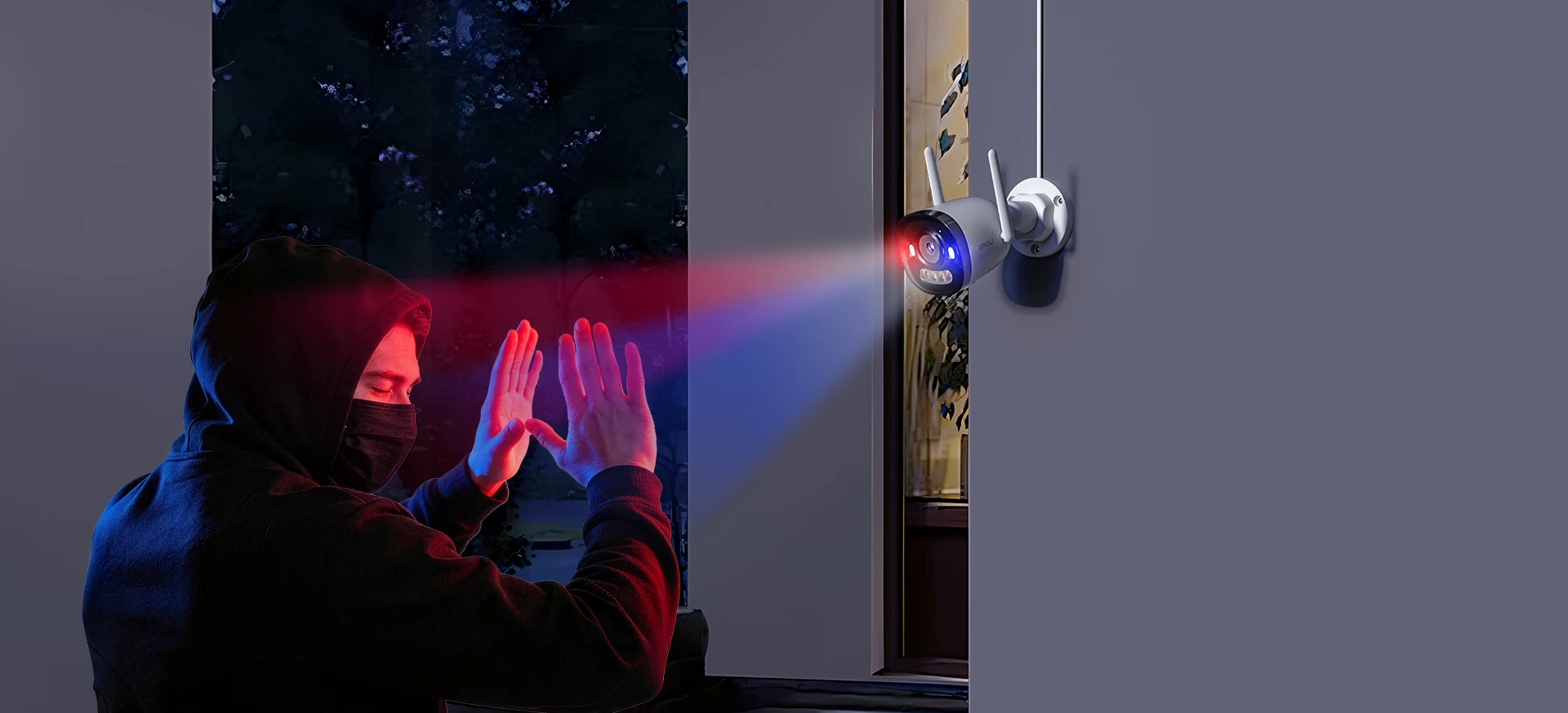
Advanced Deterrence with Red-Blue Warning Lights
Red-blue warning lights bring a strong visual deterrent discouraging intruders before
they get close.
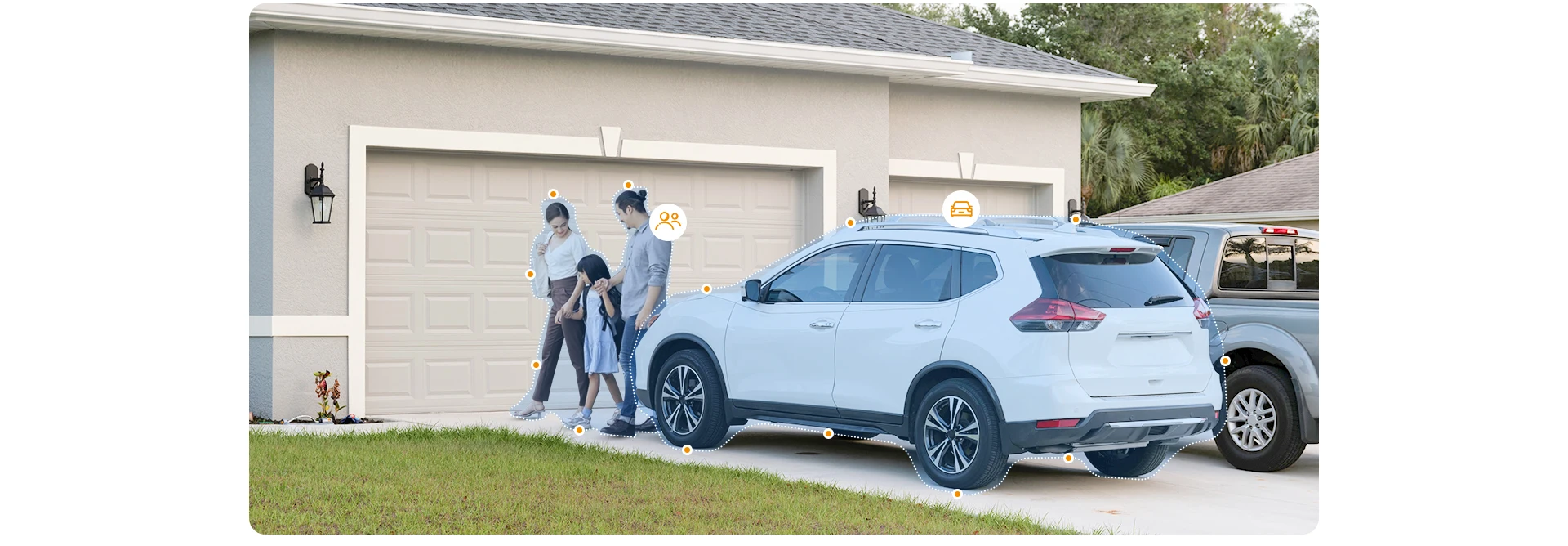
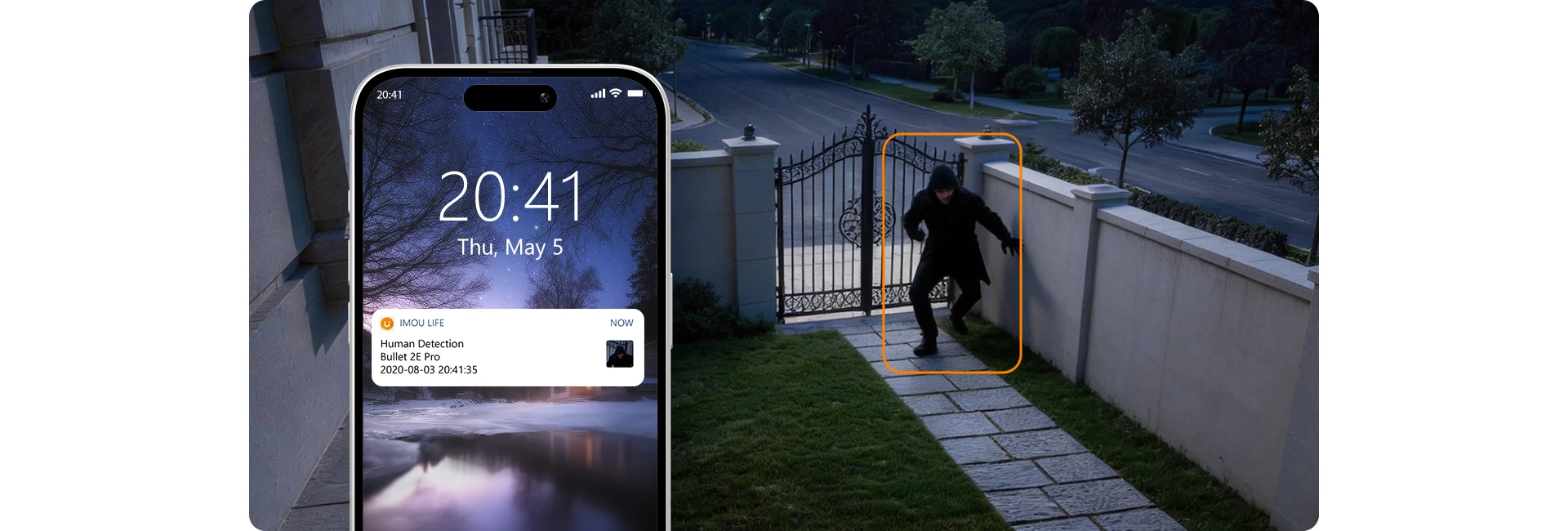
Accurate human andvehicle detection
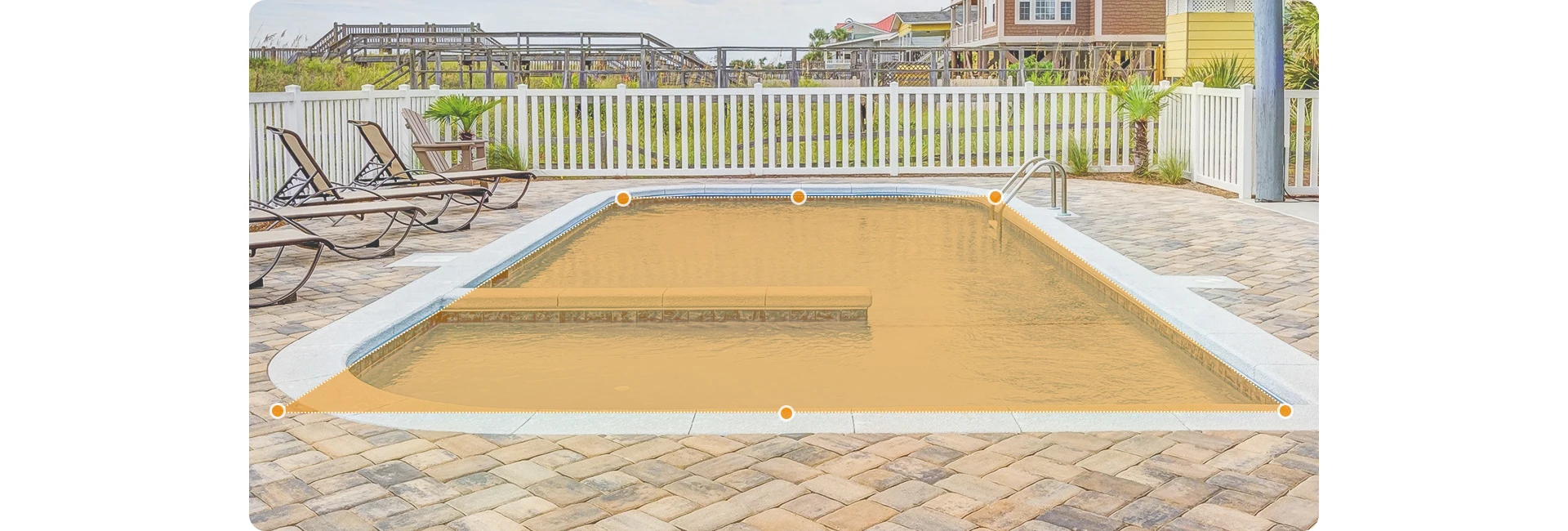
Customizable detection zone
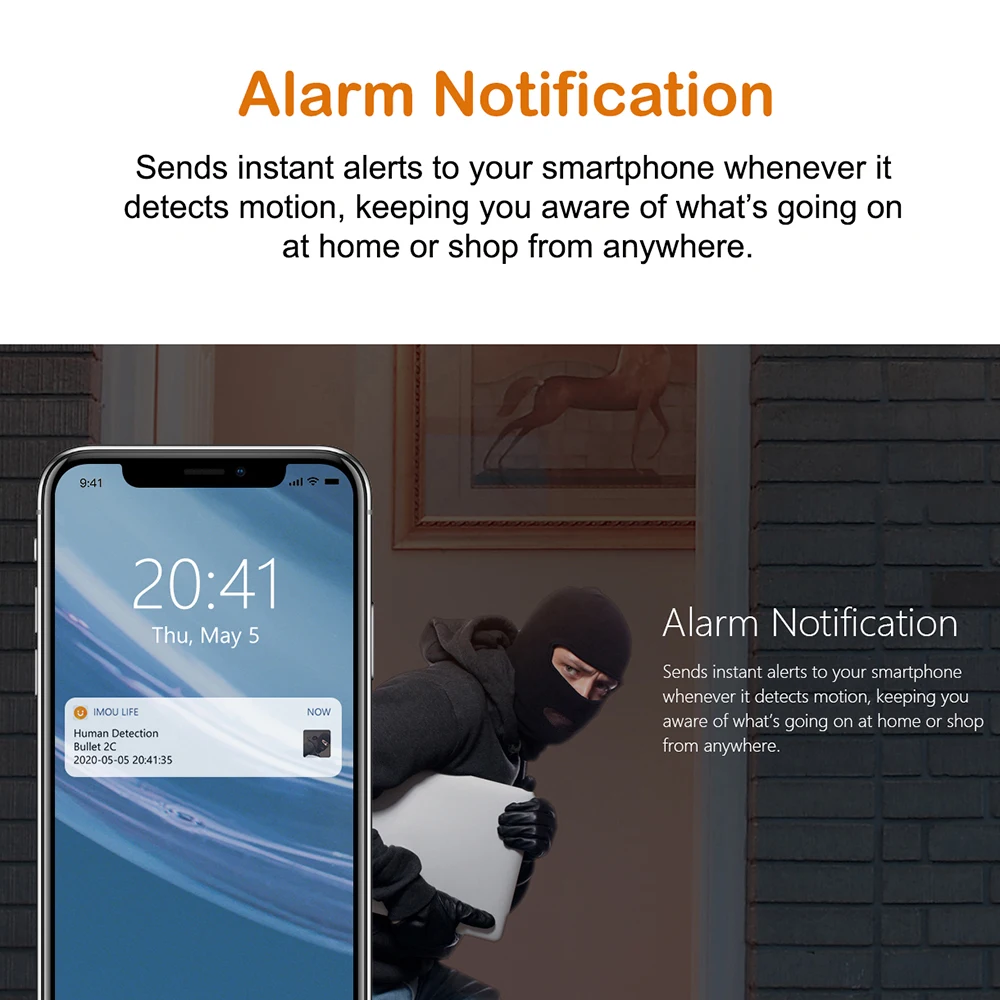
Alarm Notification
Sends instant alerts to your smart phone whenever it detects motion. keeping you
aware of what's going on at home or shop from anywhere.
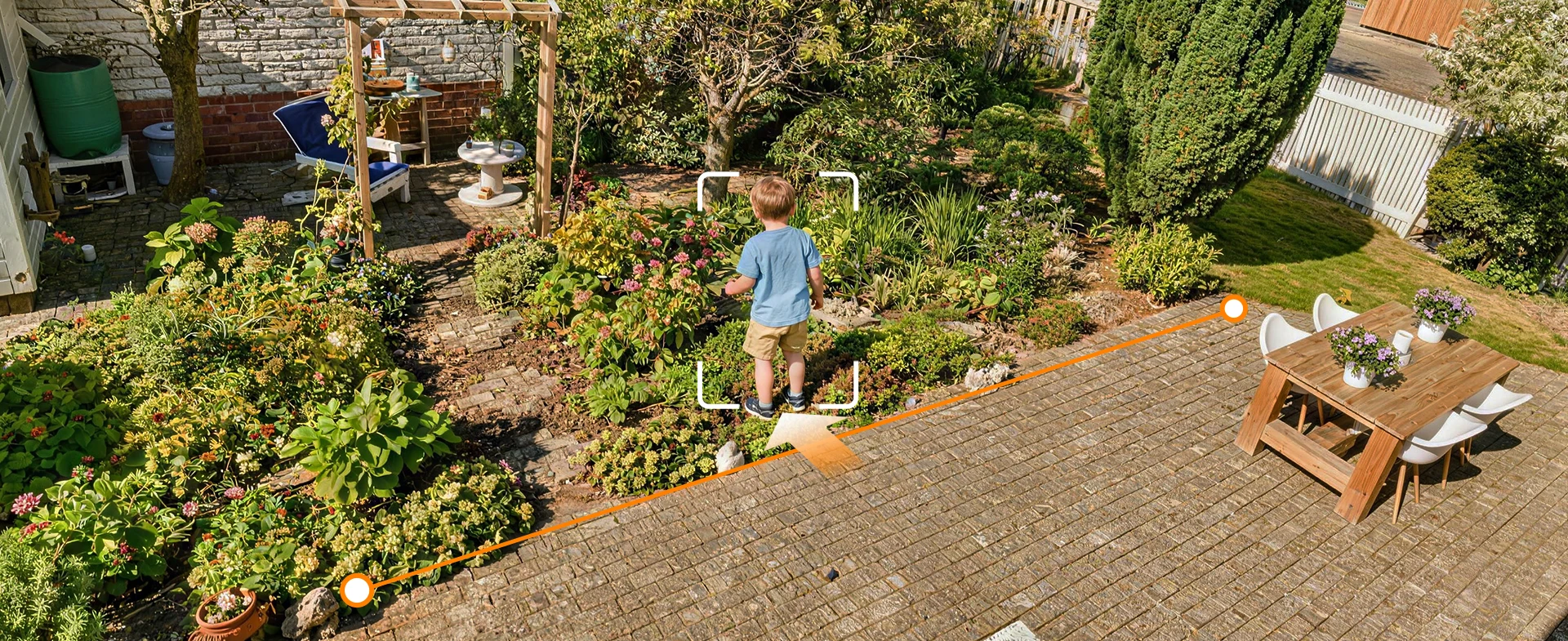
Line Crossing Detection: Your Virtual Tripwire
Draw your alert boundary on the live feed. Receive precise notifications only when
it's crossed, filtering out irrelevant motion.
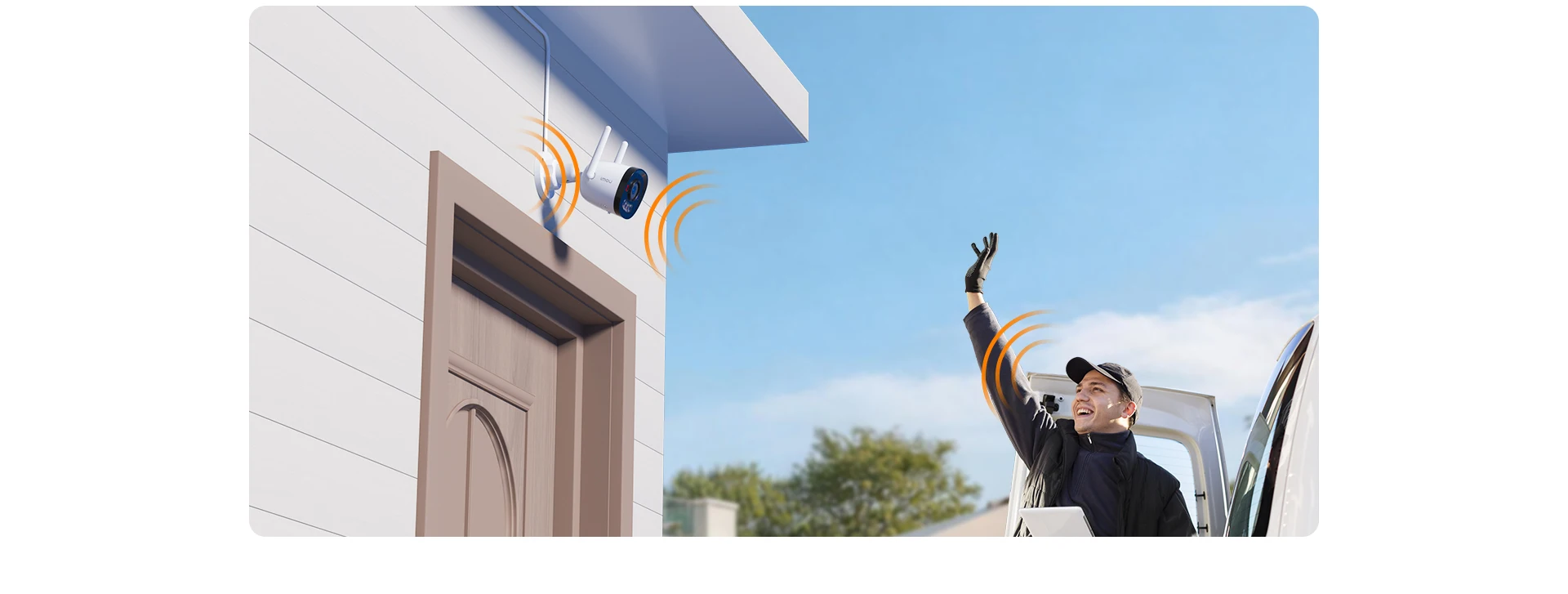
 Built-in Microphone
High quality microphone picks up sounds clearly while monitring.
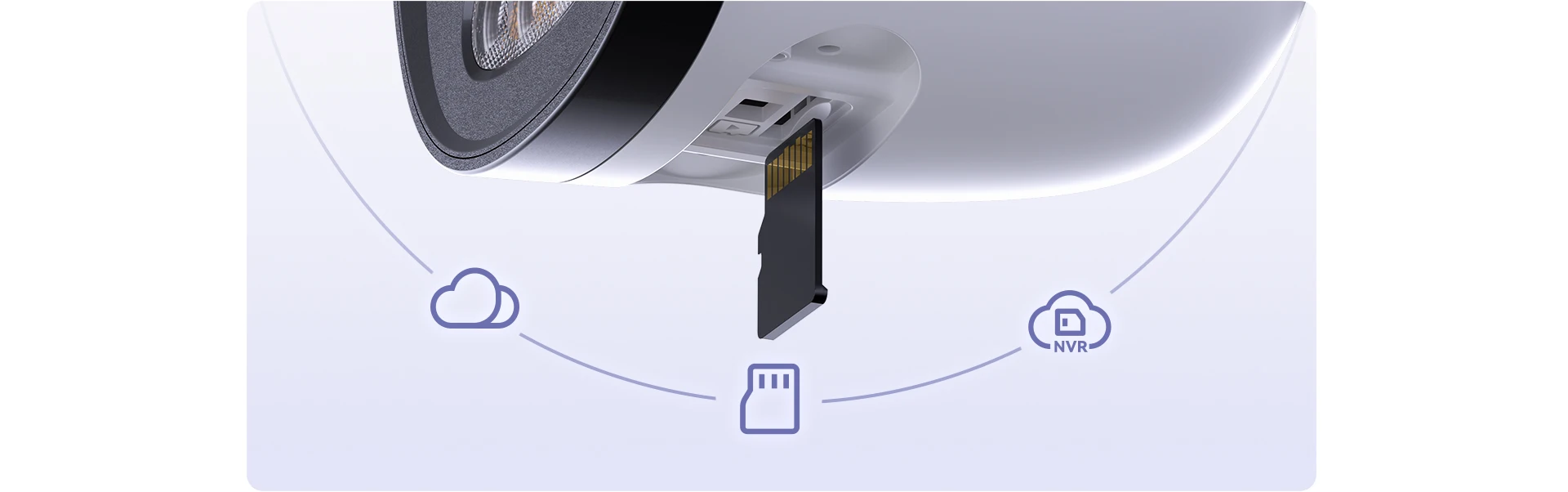
Diversified Storage Options
giving you flexible ways to save and access your videos.
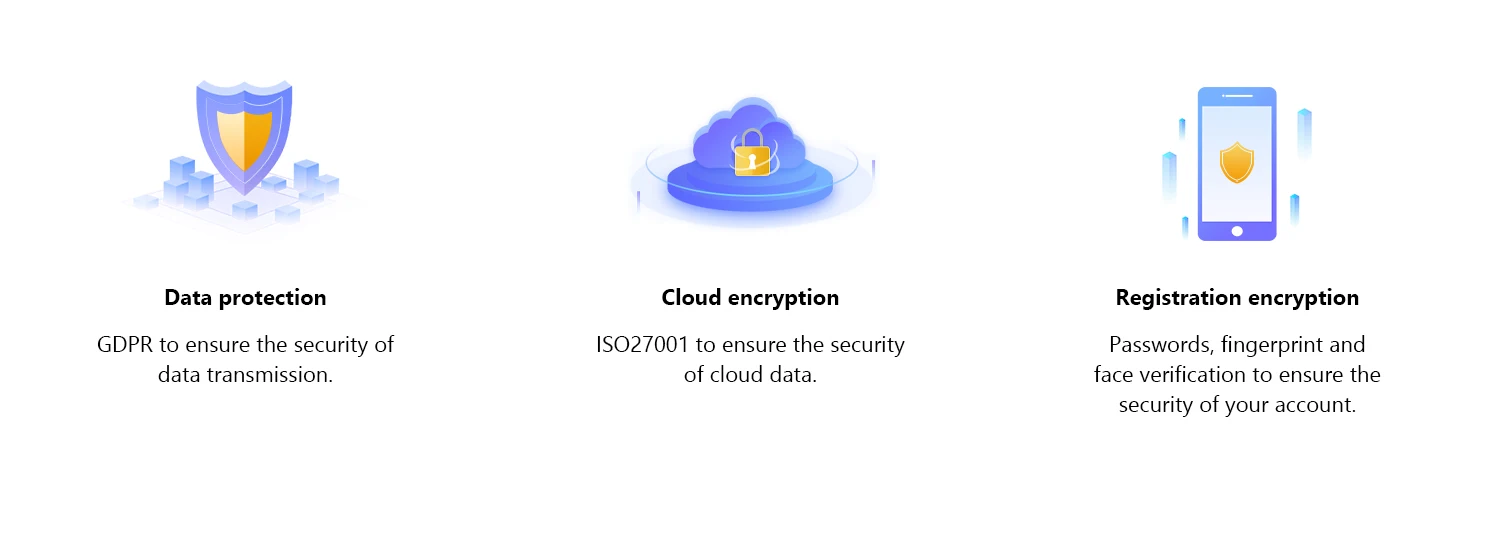
Triple protection to guard your personal information
Data protection GDPR to ensure the security of data transmission.
Cloud encryption ISO27001 to ensure the security of cloud data.
Registration encryption Passwords, fingerprint and face verification to ensure the security of your account.
Operating with Imou Life App
▶ Step 1
Scan the following QR code or search “Imou Life” in Google Play or App Store to download and install the app.
▶ Step 2
Run Imou Life App, and then register an account for the first use.
▶ Step 3
Connect the camera to power source with the power adapter.
▶ Step 4
Wait for booting to be finished, and then the camera indicator flashes with green light.
▶ Step 5
Do the following operations to finish adding camera.
Note:If you have more than one camera, do step 5 to add them one by one.
If the Wi-Fi network has changed or the indicator status goes wrong, reset the camera, and then do step 5 to add it again.

Frequently Bought Together
No frequently bought products found!
Products from this Seller
View All










Share with Friends
Trading is more effective when you share products with friends!Share you link
Share to